

Team & access
| Role | Can do |
|---|---|
| Owner | Everything, including billing, team, payout/KYC setup and API keys |
| Admin | Day-to-day management: bookings, properties, agents, money, messaging, settings |
| Staff | Operations: bookings, arrivals, recording expenses |
| Field | Their own field jobs in the ShortletBox mobile app — turnovers, inspections and repairs assigned to them, nothing else |
| Landlord | Read-only portal access to their own apartments |
Field is the role for housekeepers and handymen: they’re bounced from the admin app and the portal, see guest details by first name only, and never see money. See Field operations.
Emails are globally unique across ShortletBox: one email address belongs to exactly one person in one workspace.
Managing your team
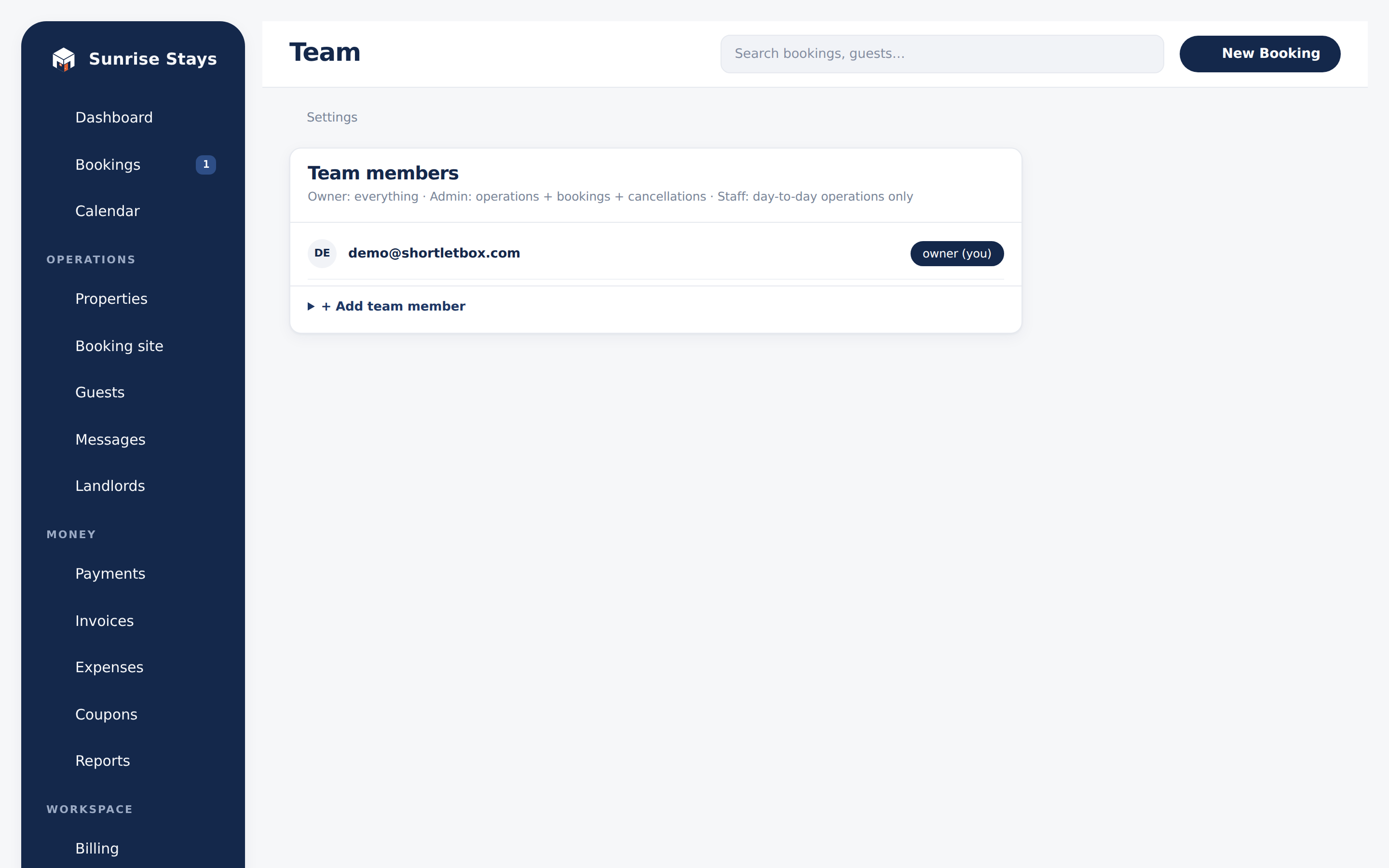
Section titled “Managing your team”Settings → Team (owners only): add teammates with a role, change roles, and remove people. Two guard-rails: the workspace’s last owner can’t be demoted, and the landlord role can’t be granted here. That role only arrives with an accepted landlord invitation, because it is inseparable from the apartments it carries.
Sessions & passwords
Section titled “Sessions & passwords”Sign-in is email + password. Password reset flows over email, and changing a password signs out every other session and mobile token, so if a device walks away, a reset locks it out everywhere.
API keys
Section titled “API keys”Settings → API keys (owners only) issues keys for the Public API: property listings, availability, quotes and booking requests, for your own website or apps.
- The key (
sbpk_…) is shown exactly once at creation. Store it then. - Each key can carry an origin allowlist, so a leaked key is useless from anywhere but your own site.
- Revoke a key at any time; revocation is immediate.
Requests are rate-limited per key (and stricter on booking creation), so a runaway integration can’t flood your bookings.
Platform admins
Section titled “Platform admins”The /platform console uses a completely separate identity. See
Platform console. No tenant role, including
owner, grants any access to it.