

Platform console
The console at /platform is for the people operating the ShortletBox
platform, not for tenant businesses. It uses a completely separate
identity (platform admin) with its own sign-in, so a tenant password can
never open it.
Overview
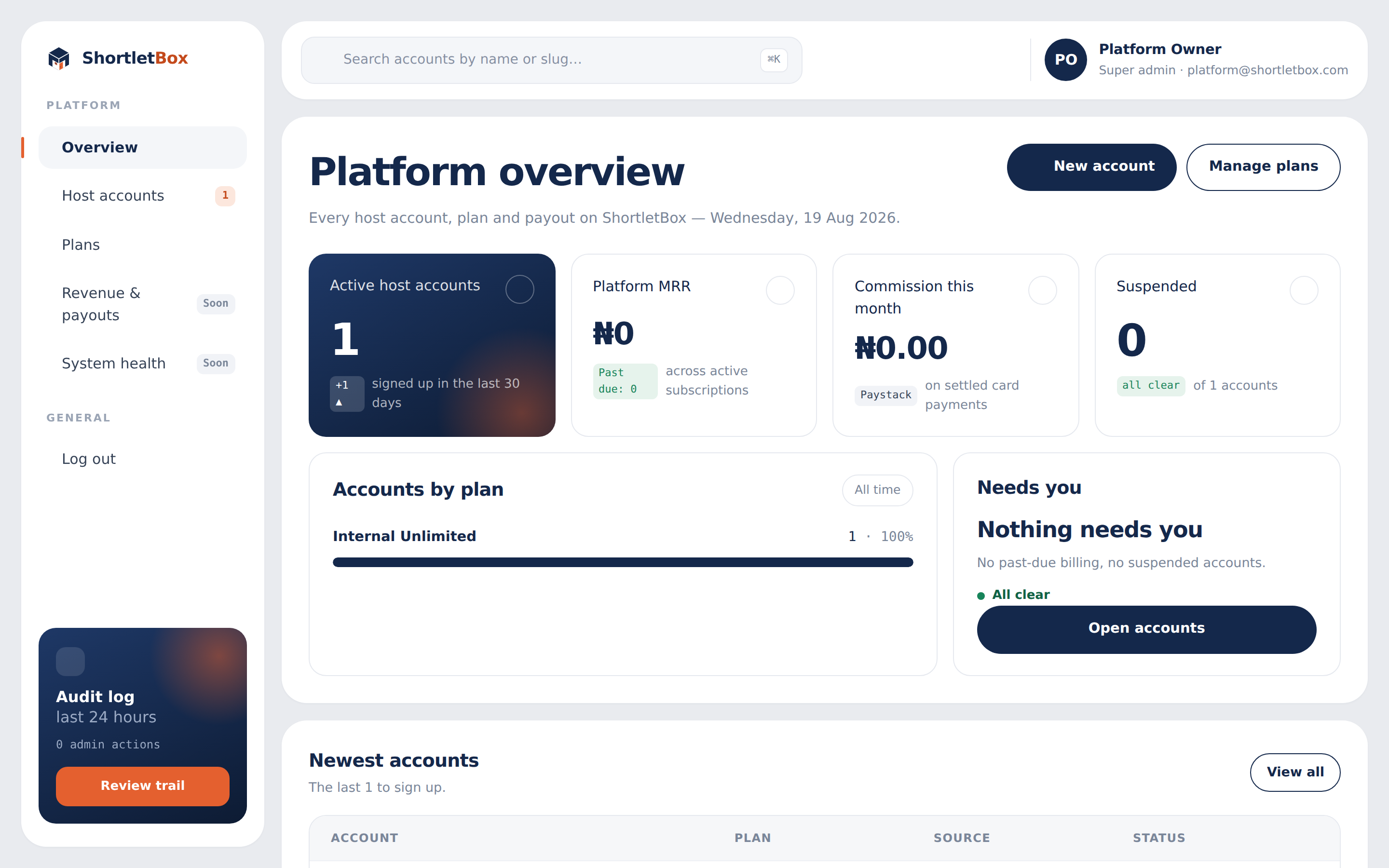
Section titled “Overview”Four tiles headline the platform: active accounts, MRR, commission this month, and suspended accounts. They’re followed by accounts-by-plan bars, a “needs you” card, the newest accounts, and a feed of recent platform admin activity.
Host accounts
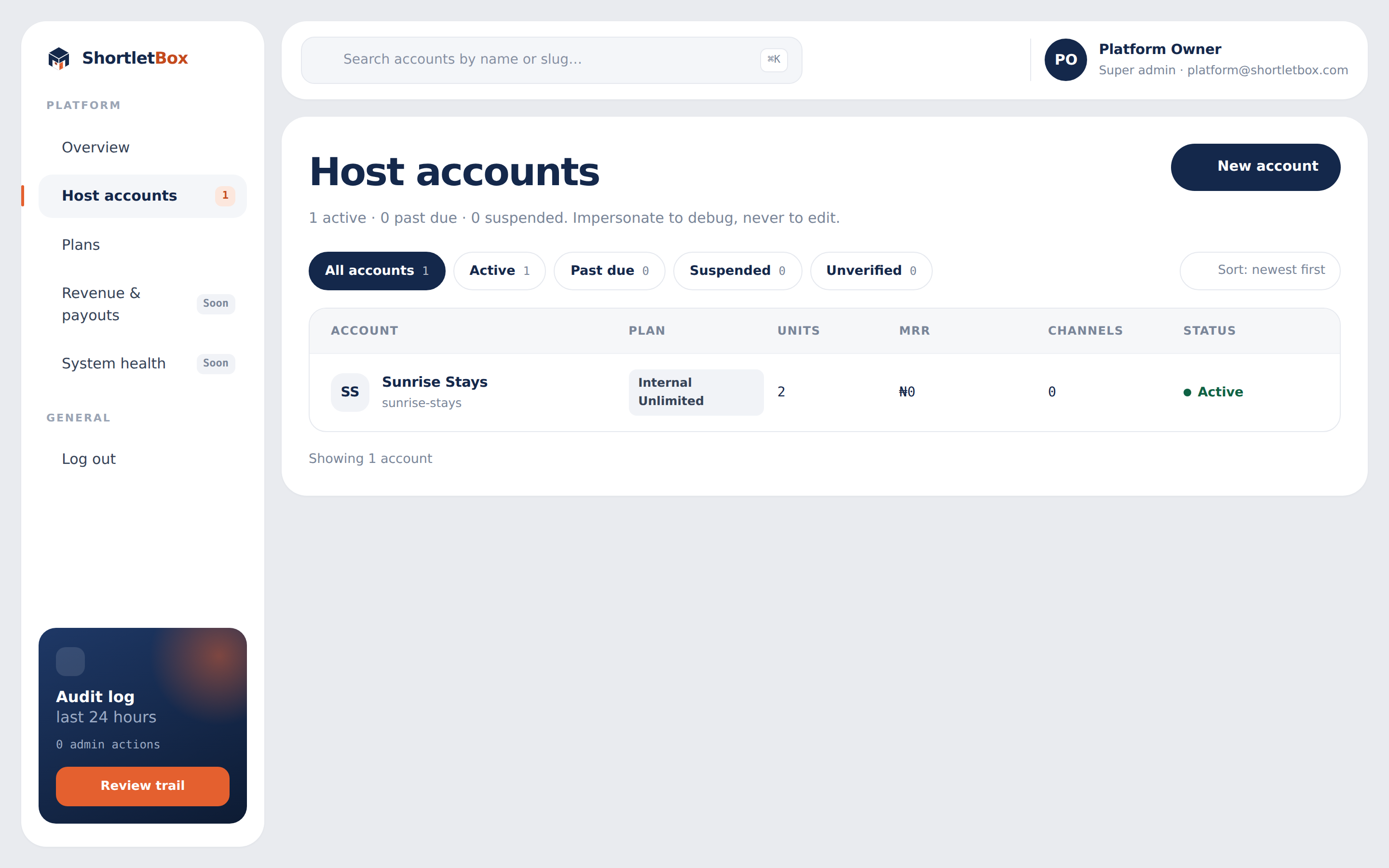
Section titled “Host accounts”Every tenant business, searchable by name or slug, with filter pills (All / Active / Past due / Suspended / Unverified) showing live counts.
An account’s detail page shows its units, channel feeds, monthly booking usage against its cap, commission, team and audit trail, plus the actions:
- Change plan and change commission (commission updates the payment split atomically: it either fully applies or fully doesn’t).
- Suspend / Reactivate: a suspended tenant’s admin shows a friendly lockout page; their guests’ check-in links deliberately keep working.
- Ban identity: bans the person behind the account via their verified identity, so they can never be paid under any account, present or future.
- View as tenant: impersonation. You see exactly what the tenant sees, under an amber banner on their side of the fence; every impersonation entry and exit is audited, and the session expires after an hour.
New accounts can also be created here directly. The owner receives a set-password email.
Plans define what tenants can do: monthly price, an optional monthly booking cap, and feature flags for WhatsApp messaging, channel sync, reports, coupons and invoices. Editing a plan takes effect everywhere it’s read, including the marketing site’s live pricing. See Plans & billing.
Revenue & payouts, System health
Section titled “Revenue & payouts, System health”Both screens exist in the navigation behind a Soon badge, and each renders an honest placeholder naming exactly what isn’t built yet (for revenue: subscription invoicing history, per-transfer settlement records, a ledger to sum from). No invented numbers. When these screens light up, the figures will be real.
The audit trail
Section titled “The audit trail”Every consequential platform action (plan changes, suspensions, impersonations, commission changes) is logged. The sidebar’s audit-log card counts the last 24 hours of actions, and each account’s page shows its own trail.