

Guest messaging
ShortletBox keeps guests informed automatically (reminders, confirmations, receipts and access codes) over email, WhatsApp and SMS, with every send recorded in one log.
Templates
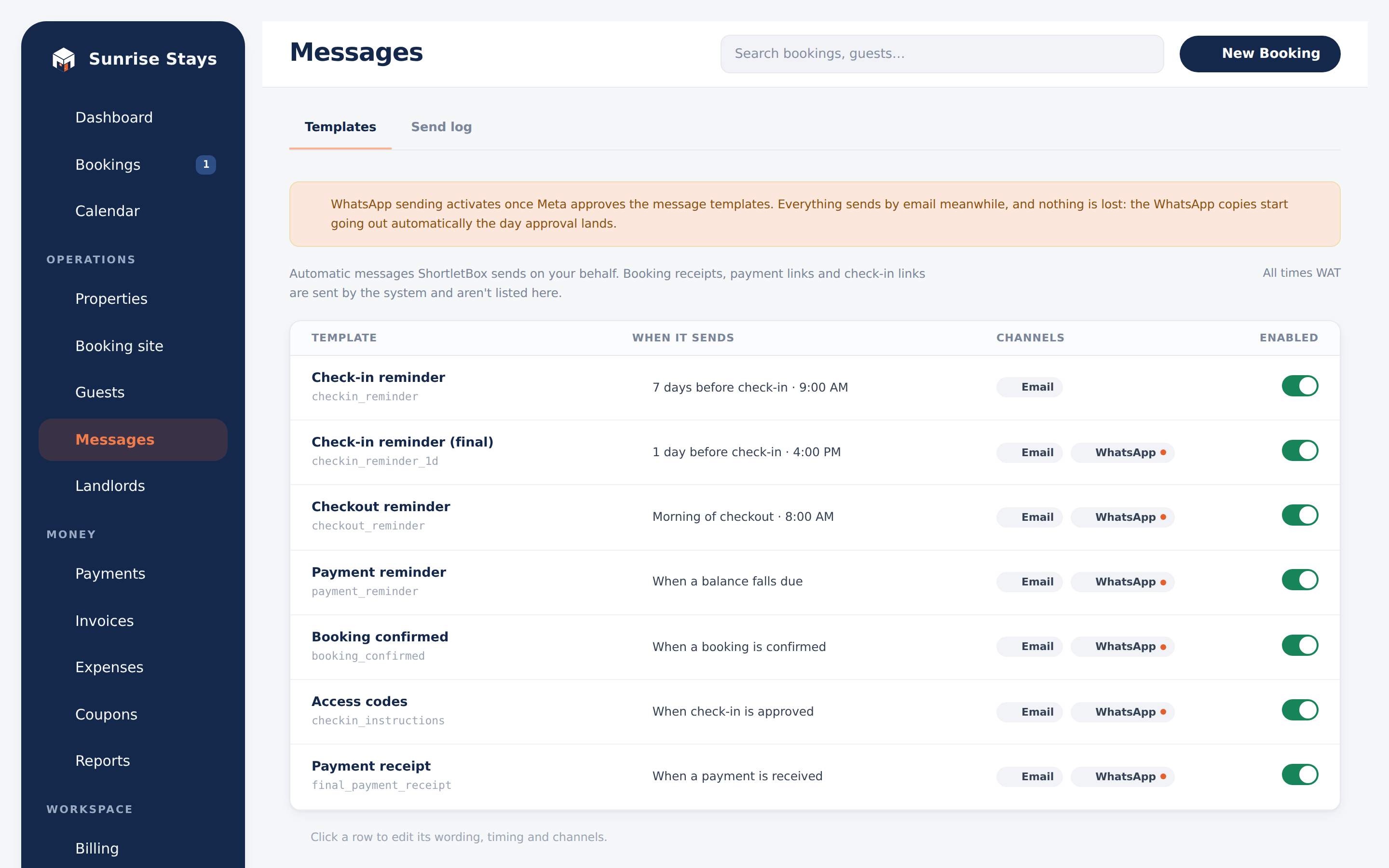
Section titled “Templates”Messages → Templates lists every automated message, when it fires, and which channels it uses:
| Template | When it sends |
|---|---|
| Check-in reminder | 7 days before check-in, 9:00 |
| Check-in reminder (final) | 1 day before check-in, 16:00 |
| Checkout reminder | Morning of checkout, 8:00 |
| Payment reminder | 3 days before check-in, 9:00 |
| Booking confirmed | The moment payment confirms the booking |
| Access codes | When the last occupant’s ID is confirmed |
| Payment receipt | When a payment lands |
The two check-in reminders and the checkout reminder have editable email copy, with variables you can drop in: guest name, property, dates, balance, payment link, check-in link and more. The rest are maintained by the platform so their content always matches what the system actually did.
WhatsApp copy is locked. WhatsApp only delivers message templates that Meta has approved verbatim, so the WhatsApp side of each template is shown read-only with its approval status. Editing it would break sending.
How a message goes out
Section titled “How a message goes out”Each template sends on its enabled channels independently, so a WhatsApp hiccup never blocks the email. If a WhatsApp send fails, ShortletBox automatically falls back to SMS, and the log shows the combined outcome (“Failed → SMS sent”).
The send log
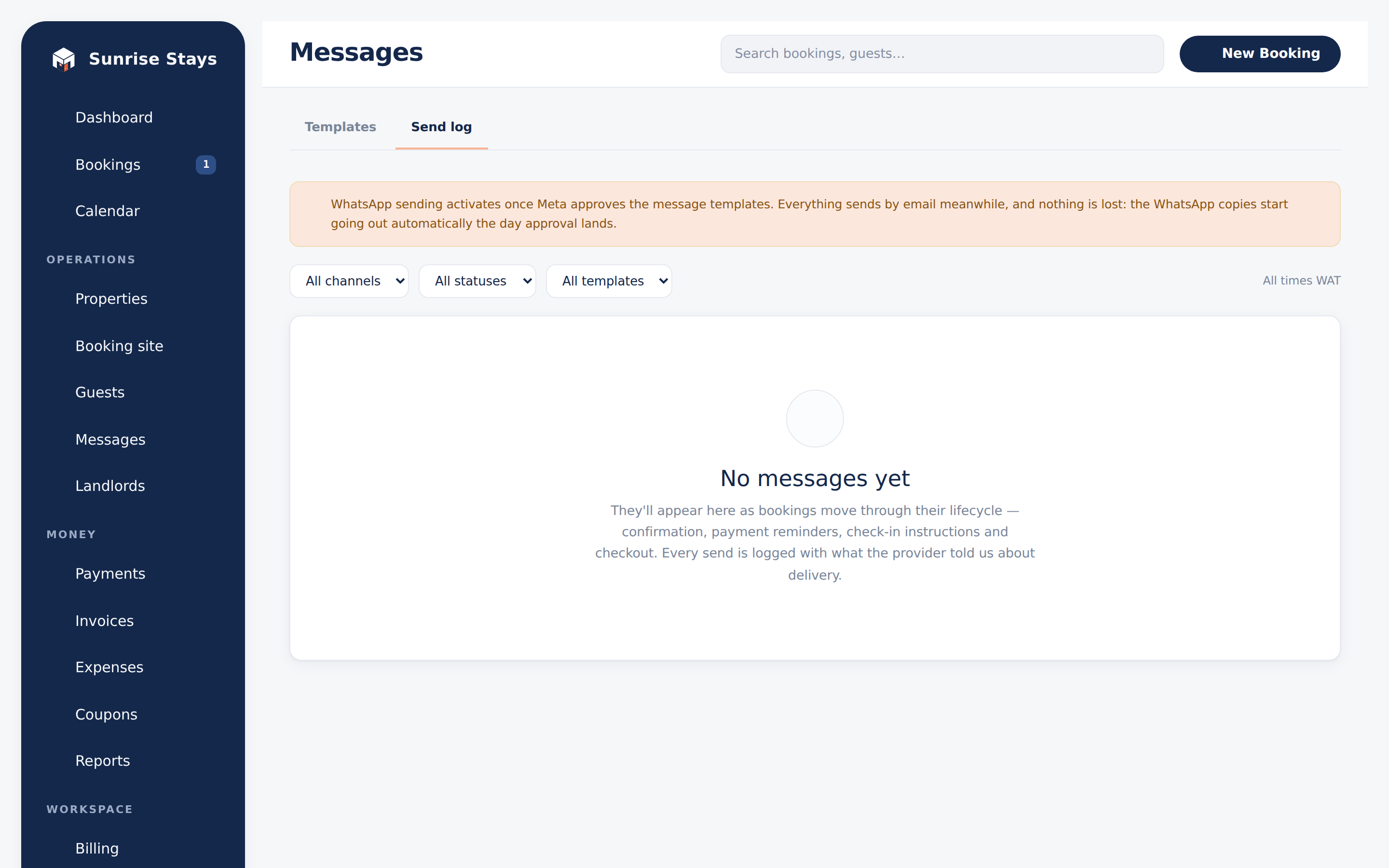
Section titled “The send log”Messages → Send log is every message, newest first, filterable by channel, status and template, with delivery chips: Delivered, Sent, Failed, Failed → SMS sent, Suppressed (opted out), Email only (no phone). The same history appears per-booking on the booking page.
Free-form messages
Section titled “Free-form messages”Need to say something outside the templates? The booking page’s message composer sends free-form email or SMS. Free-form WhatsApp is deliberately unavailable: WhatsApp only allows free-form replies inside a 24-hour conversation window, and ShortletBox won’t pretend otherwise.
Guest opt-out
Section titled “Guest opt-out”Each guest’s profile has a messaging toggle. Opting out pauses WhatsApp and SMS for that guest; transactional emails (receipts, payment links, check-in links) still send, because the guest needs them to complete their stay.